Let the cover set the mood.
Artwork colors flow into the background, highlights and visuals. Every album brings its own atmosphere.
 lowlight
A music companion for Windows
Big artwork. A little atmosphere.
Your favorite music, beautifully at home on your desktop.
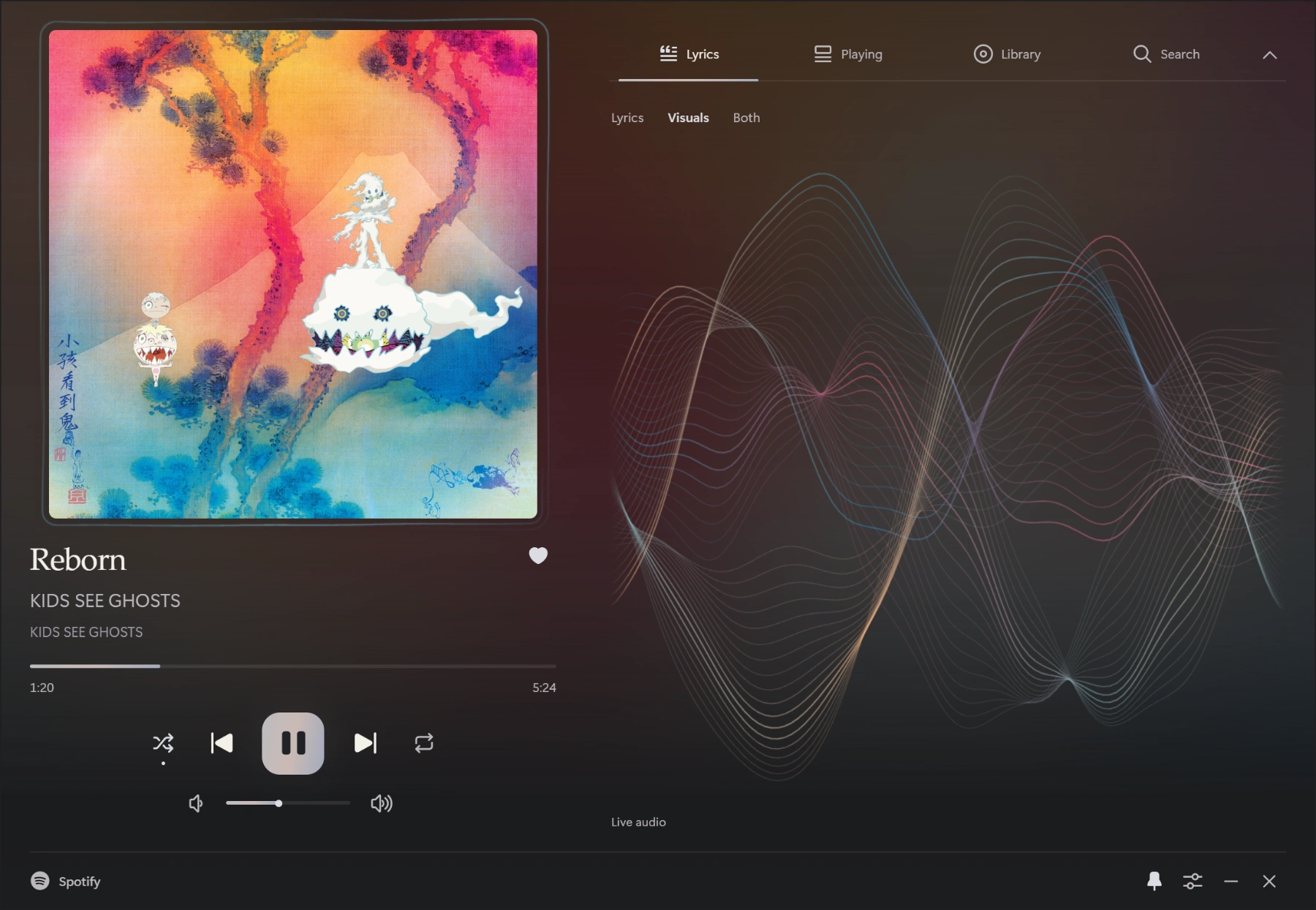
Artwork colors flow into the background, highlights and visuals. Every album brings its own atmosphere.
Keep it small beside your work, stretch it wide, or give it a corner of your second monitor.
Follow the lyrics. Watch the sound take shape. Keep both in view when you want a little more.
Same player. Different feeling.
Quiet Obsidian or softly frosted glass. Adjust the blur and opacity, and let the artwork do the rest.
Pick a record
Reborn · Obsidian, with color from the cover.
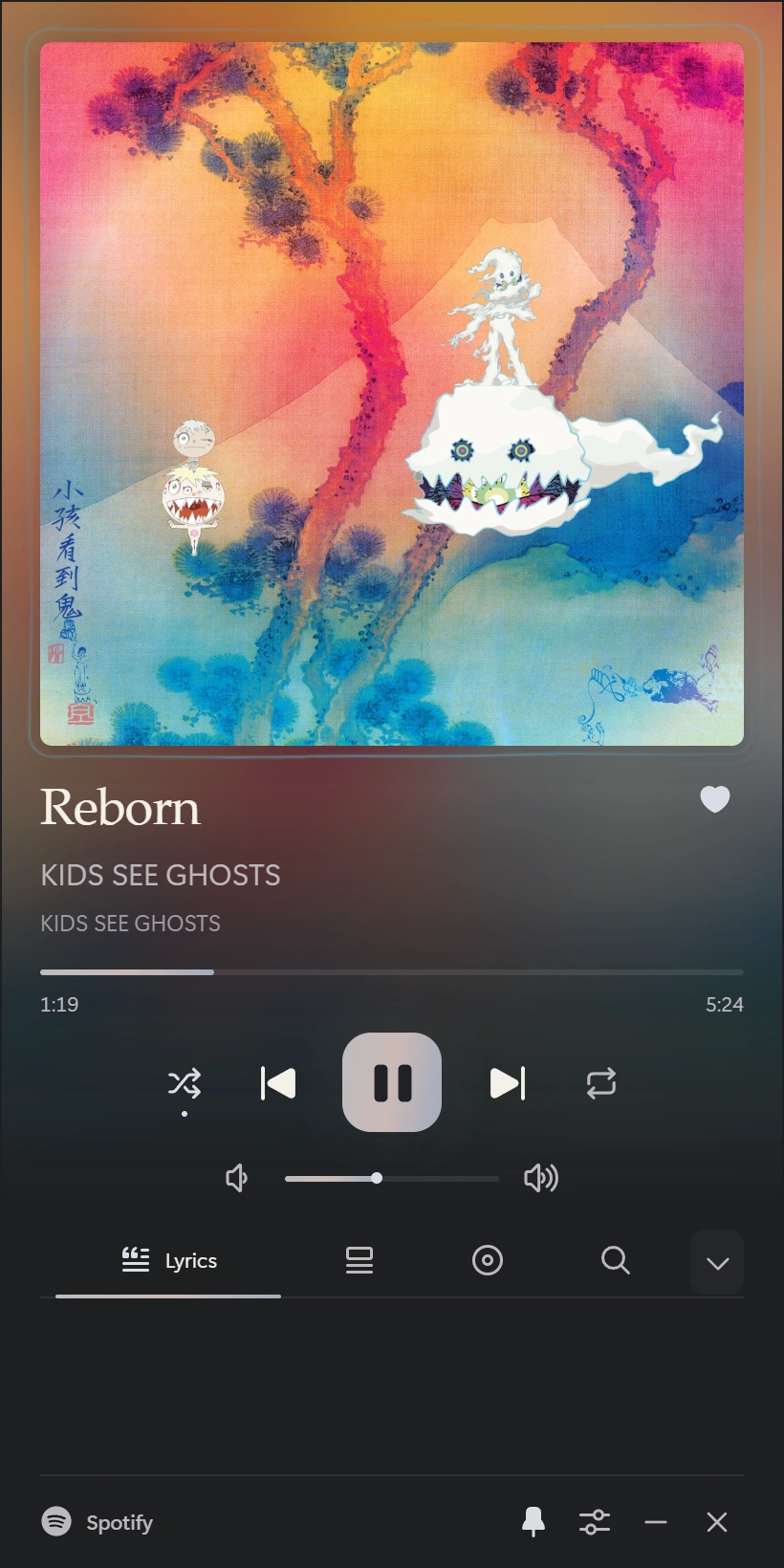
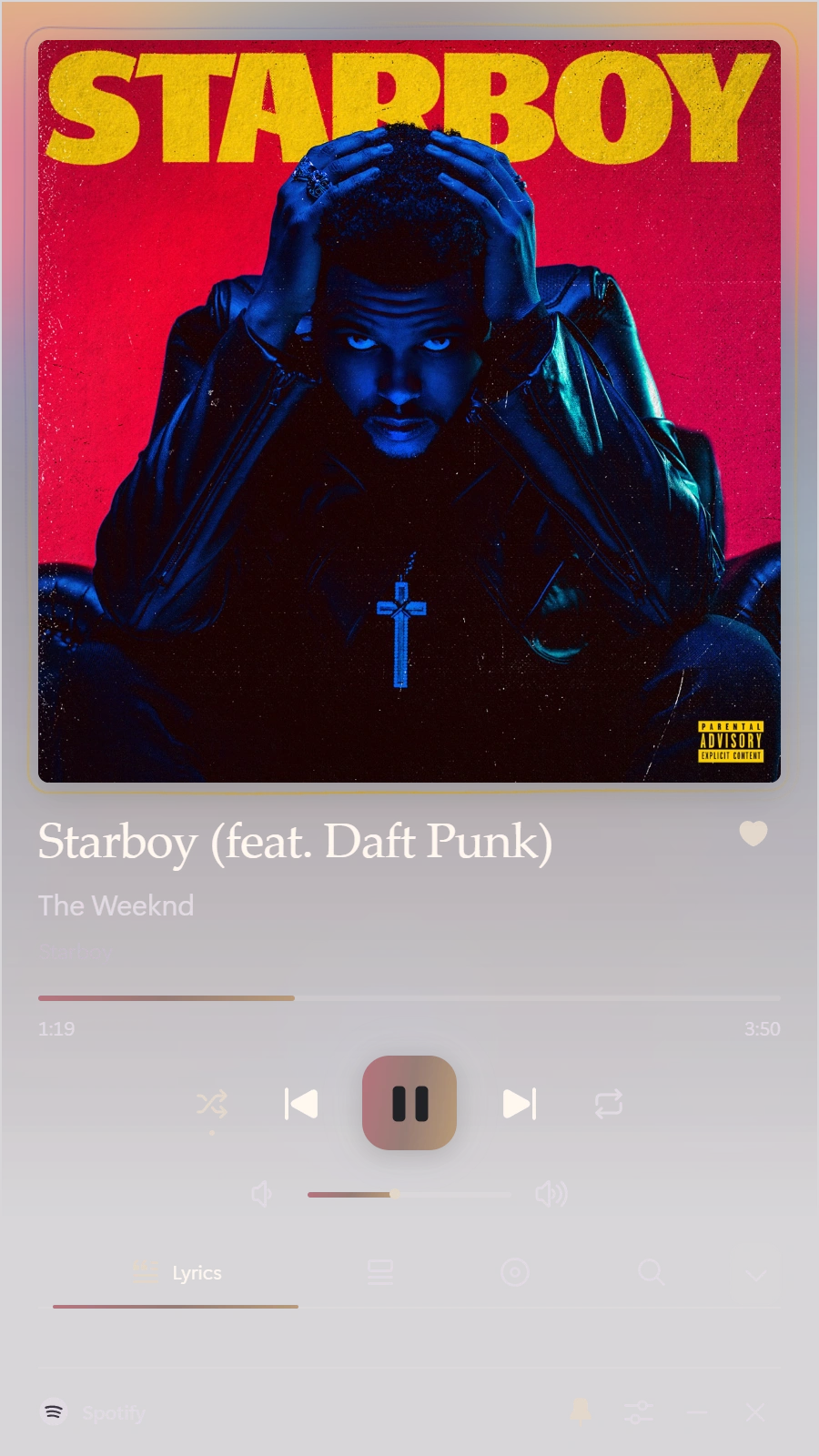
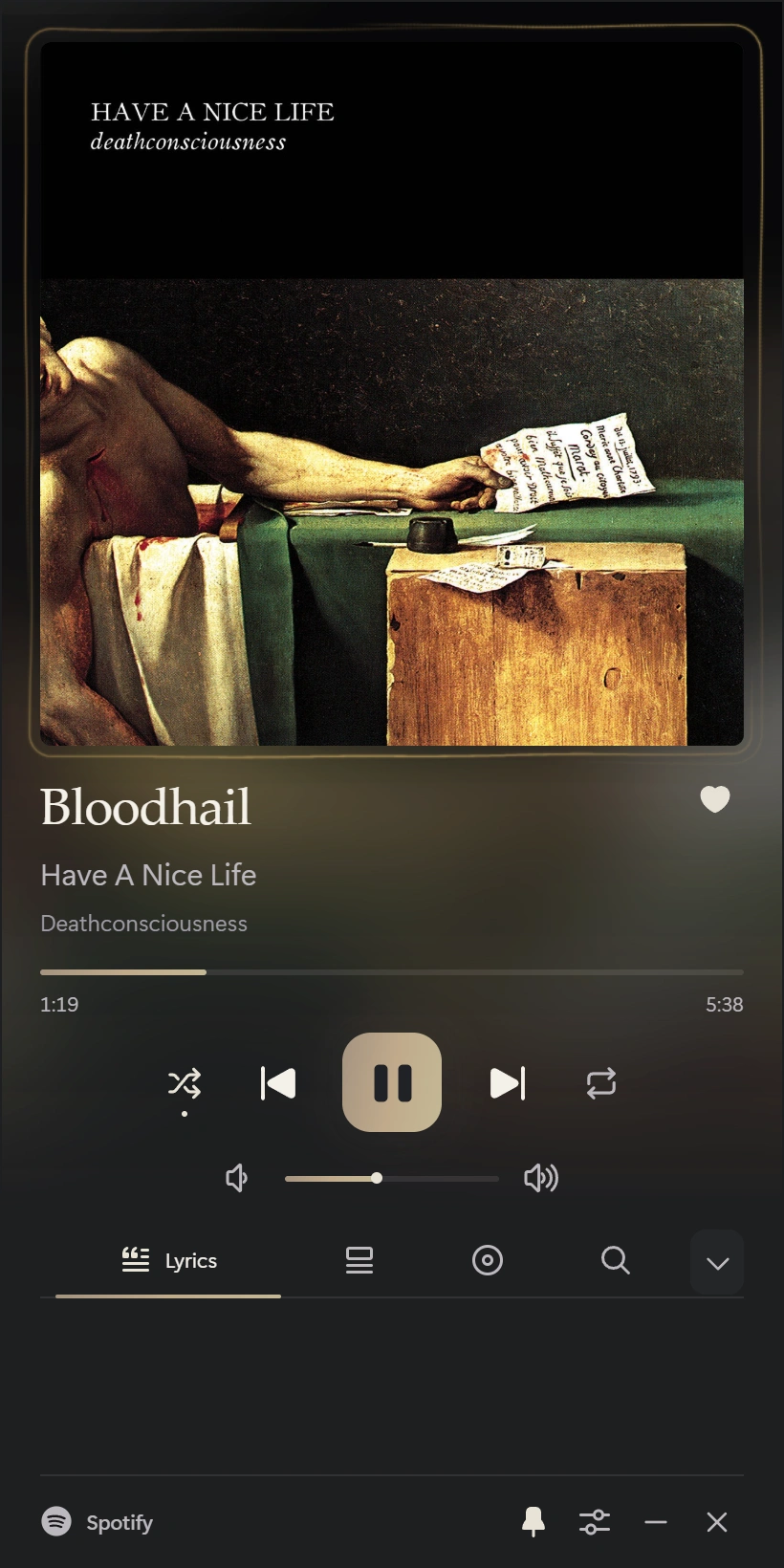
There’s a layout for the space you have.
Even that little space above everything else.

A little space for what you love.
Download, install, and choose your music player.
Download for WindowsEarly build · The installer is currently unsigned.
Windows may show a publisher warning.
Lowlight connects to an open music app or browser through Windows media controls. Keep your player open while you listen. Available controls depend on the player.
Use Spotify, Apple Music, YouTube Music, or another app or browser that shares a Windows media session. The setup inside Lowlight helps you select your active player.
Basic desktop controls don’t require you to connect a Spotify account to Lowlight. Spotify library, likes and built-in playback currently need your own Spotify developer Client ID and authorization. Built-in streaming and Spotify Connect also require Premium.
Synchronized lyrics appear when available. Audio-reactive visuals need music playing on this PC; a remote speaker cannot provide local audio. The optional automatic lyrics-timing model is a separate download.